Every entry and exit.
One complete picture.
Who is on site, when did they arrive and through which access point? Access control brings employees, passes and terminals together in one log. Each visit record shows entry, exit and time on site.
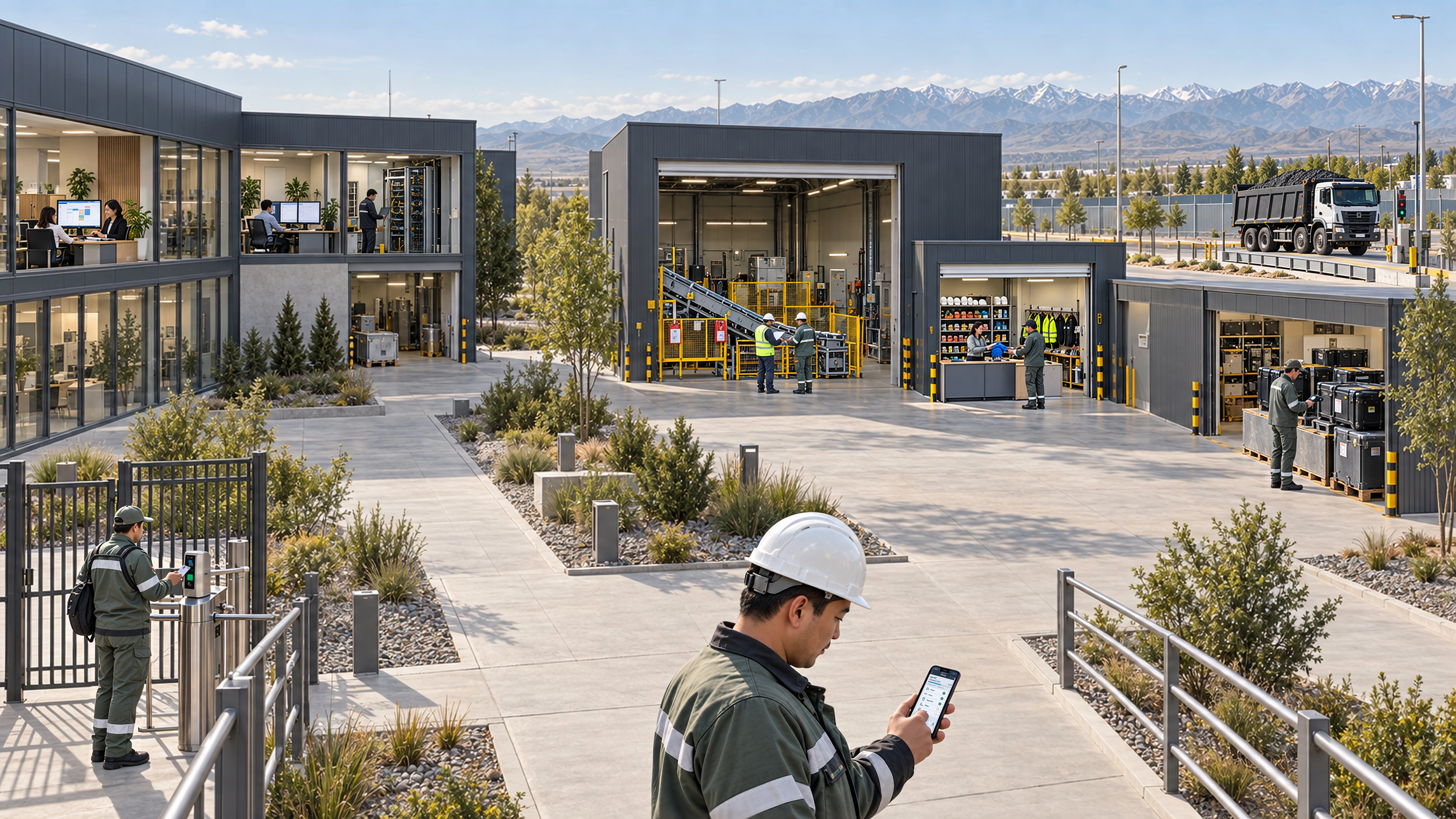
What the system includes.
Now try it yourself.
Open the log, add a visit and select an employee and terminal. Then record the exit: the status and duration update automatically. Directories and analytics are available in the menu on the left.
Changes last until refresh
From access pass to visit history
Open the log, add a visit and select an employee and terminal. Then record the exit: the status and duration update automatically. Directories and analytics are available in the menu on the left.
Demo clock: 06.09.2026, 18:00 (UTC+5)
Access log
6| Open | |||||||||
|---|---|---|---|---|---|---|---|---|---|
| Alexey Kim | IT | 06.09.2026 14:45 | Checkpoint 1 · entry turnstile | — | — | 195 | On site | ||
| Aigerim Nurlan | HR | 06.09.2026 08:30 | Checkpoint 1 · entry turnstile | — | — | 570 | On site | ||
| Daniyar Omarov | Workshop No. 2 | 06.09.2026 07:55 | Checkpoint 1 · entry turnstile | 06.09.2026 17:02 | Checkpoint 1 · exit turnstile | 547 | Exited | ||
| Aliya Sadykova | HSE | 06.09.2026 08:12 | Checkpoint 1 · entry turnstile | 06.09.2026 16:40 | Checkpoint 1 · exit turnstile | 508 | Exited | ||
| Ruslan Amanov | Warehouse | 06.09.2026 09:05 | Checkpoint 3 · warehouse access | 06.09.2026 17:10 | Checkpoint 3 · warehouse access | 485 | Exited |
On site by department
Open visits as of the demo clock
Visits by terminal
Each visit is counted once for the selected terminal.
How presence is calculated
Demo clock: 06.09.2026, 18:00 (UTC+5). Each record represents one visit interval. Time on site is calculated from entry to exit, or up to the demo clock for an open visit. Night shifts use the full date.
Time on site is not the same as hours worked: breaks, shift schedules and timesheets are configured separately. Connections to physical terminals are set up during implementation.